Want To Start Your Own WebHosting Company? Purchase our Cheap Cpanel Licenses & Cloud Linux License Get It Now At >>

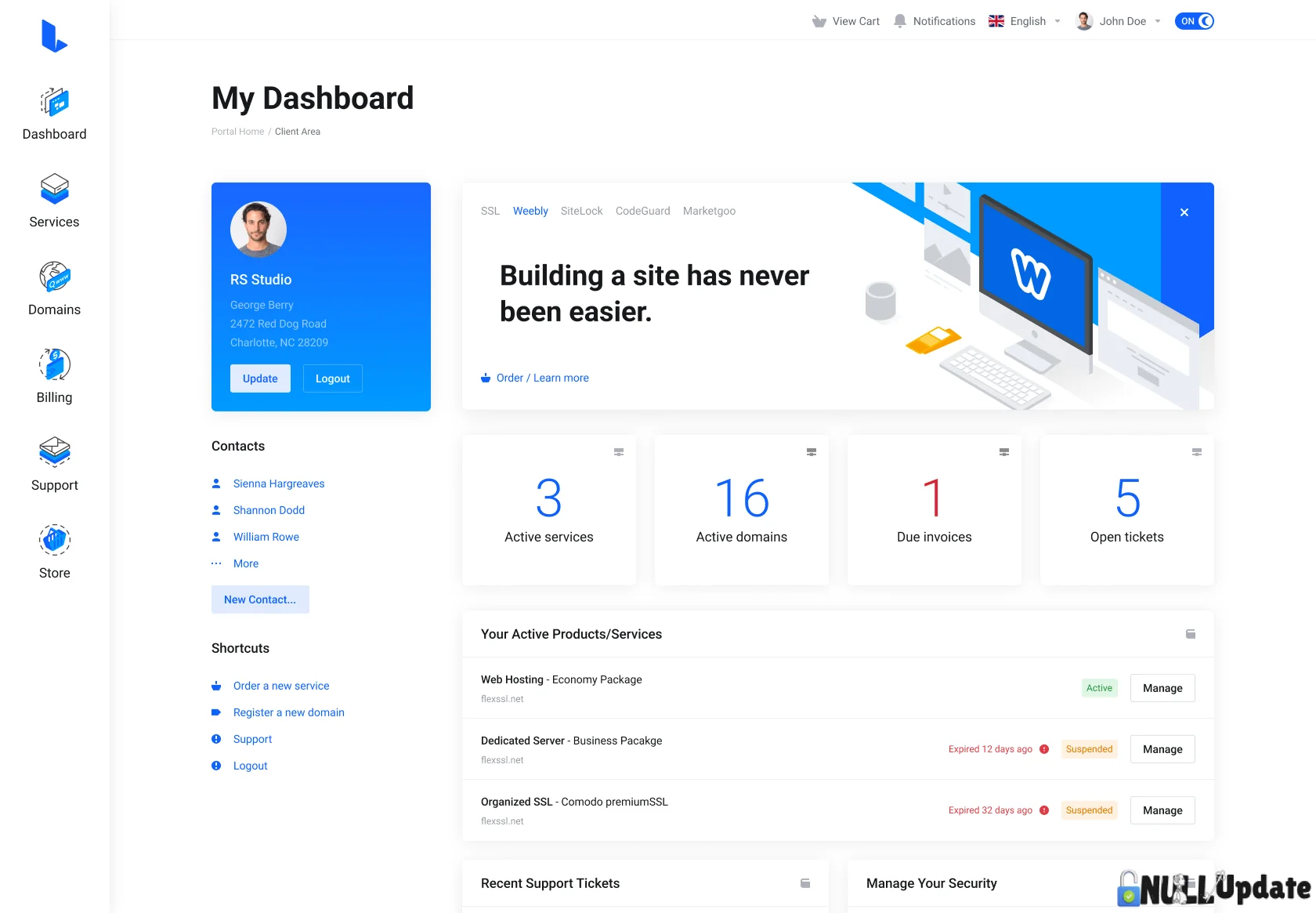
Lagom WHMCS Bundle

Lagom WHMCS Bundle
Premium

Main Features

** Compatible with WHMCS 9.0.5 - WHMCS 9.0.9  - {9.0 upwards}


• Responsive & Modern
• Multiple style presets
• Page Templates & Layouts
• Product Configuration Enhancement
• Custom Order Process
• Developer & User Friendly


Included; 
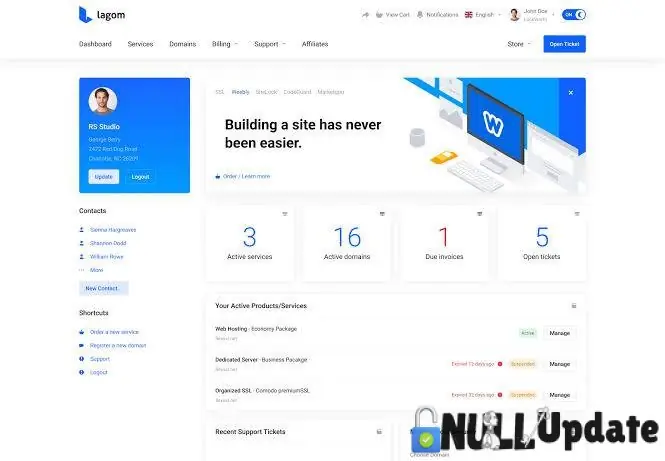
Lagom WHMCS theme 
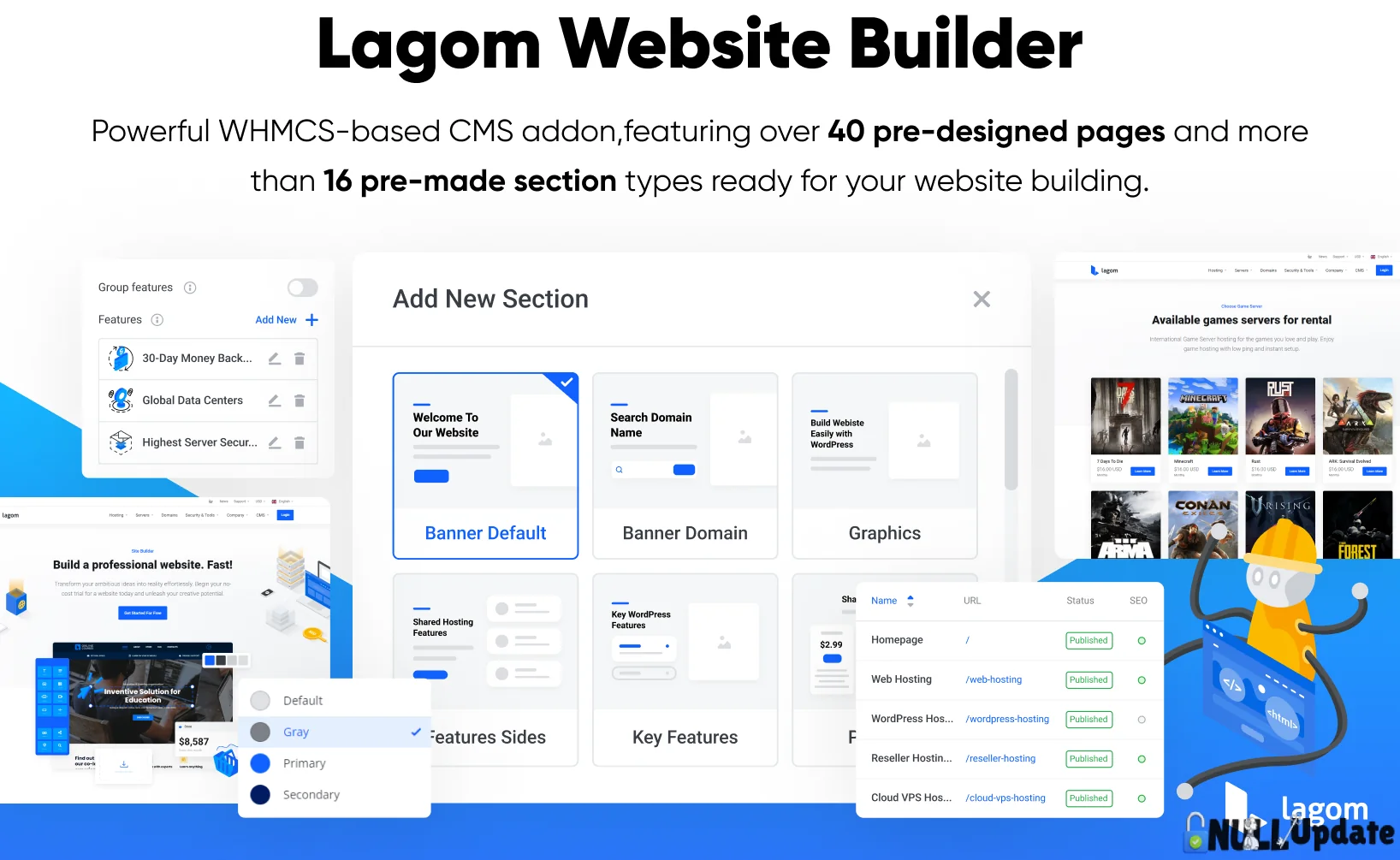
Lagom website builder 
Lagom one step order form

Website Builder Extension 
Email Template Extension

Note That; Custom code is default, client notification is default, promotion manager is default

Only support hours and sensitive aren’t included yet


How to Install and Activate Lagom Theme on WHMCS

Follow these step-by-step instructions to upload, configure, and activate the Lagom theme for your WHMCS installation:

1. Upload & Extract Lagom Theme

  • Log in to your cPanel.
  • Go to File Manager and navigate to the root directory of your WHMCS installation.
  • Upload the Lagom.zip file.
  • Extract the contents of the ZIP file.

2. Prepare the License File

  • Open the License folder inside the extracted files.
  • Download the license.php file to your computer.

3. Move Required Files

  • From the Lagom Theme folder, copy both modules and templates folders.
  • move them into the WHMCS root directory. (They will merge with your existing setup.)

4. Replace the License File

  • In your WHMCS root directory, navigate to modules/addons/Rsthemes/src/template.
  • Delete the existing license.php file in that folder.
  • Upload the license.php file you downloaded earlier.

5. Activate RSThemes Module

  • Log in to the WHMCS Admin Panel.
  • Go to System Settings > Addon Modules.
  • Find the RSThemes module and click Activate.
  • Click Configure, assign Full Administrator Access, and click Save Changes.

6. Configure the Lagom Theme

  • Click on Addons in the WHMCS dashboard menu, then choose RSThemes.
  • Click on Manage.
  • In the License Key field, enter: nulledupdate.xyz
  • Click Activate.

7. Activate the Theme

  • Once the license is activated, you can proceed to select and activate your preferred Lagom theme variant from the RSThemes panel.


Lagom WHMCS Theme Installation Guide

Watch Full Video On YouTube::


Get unlimited downloads

Subscribe to access unlimited downloads of themes, videos, graphics, plugins, and more premium assets for your creative needs.

Subscribe to download
License Option
$4.32 $5.10
$7.92 $9.35
Quality checked by Nulled Update
Full Documentation
Future updates
24/7 Support

Published:

Sep 26, 2026 10:21 AM

Version:

v2.4.5

Category:

High Resolution:

Yes

We use cookies to personalize your experience. By continuing to visit this website you agree to our use of cookies

More
WhatsApp Telegram